CHouseUI
Using CHouse UIAdmin

Admin overview

Every Admin tab — users, roles, data access, connections, ClickHouse users and roles, audit, AI models, SSO, alerting — and who can open it.

In the app
Admin/admin
Admin in CHouse UI
Admin

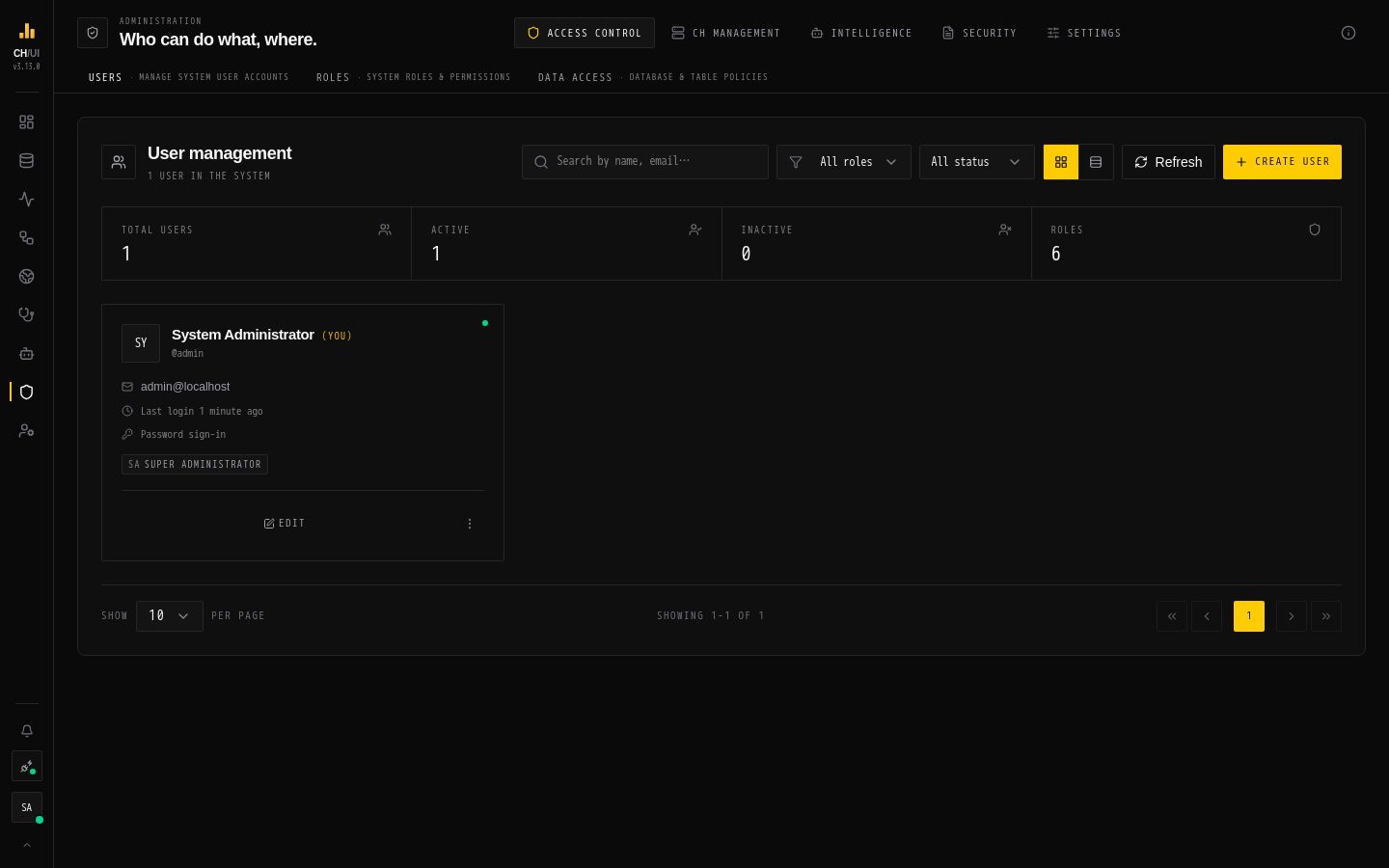
Admin is where administrators manage who can do what, which ClickHouse servers CHouse UI talks to, and the integrations it uses. Each tab appears only for users with its permission; the Admin entry in the dock appears when you have any of them.

GroupTabRouteOpens withDocs
Access controlUsers/admin/usersusers:view or users:createUsers & roles
Roles/admin/rolesroles:viewUsers & roles
Data access/admin/data-accessdata_access:viewData access rules
CH ManagementConnections/admin/connectionsconnections:viewConnections
ClickHouse users/admin/clickhouse-usersclickhouse:users:viewClickHouse users & roles
ClickHouse roles/admin/clickhouse-rolesclickhouse:roles:viewClickHouse users & roles
IntelligenceAI models/admin/ai-modelsai_models:viewAI models
SecuritySSO/admin/ssosso:viewSingle sign-on
Audit logs/admin/auditaudit:viewAudit logging
SettingsAlerting/admin/alertingalerting:viewAlerting

Viewing a tab and changing things in it are separate permissions — for example connections:view to see connections, connections:edit to add or change one. The permission catalog lists them all.

Settings that live elsewhere

Not everything an administrator configures is under Admin:

SettingWhere
MCP endpoint, allowed origins, tool switchesAI Governance › MCP (agents:manage)
Agent budgets and the pause switchAI Governance › Policies (agents:manage)
Remediation credential and privilege checkAdmin › Connections › Edit (fixes)
Cost ratesMonitoring › Capacity (settings:update)
Server settings (database, secrets, SSO from config)Environment variables or YAML

Everything changed under Admin is recorded in the audit log.

Edit this page on GitHub ↗