
First login
Sign in with the seeded admin account, rotate the password, and take the first-run tour.
- In the app
- Sign-in page
/login
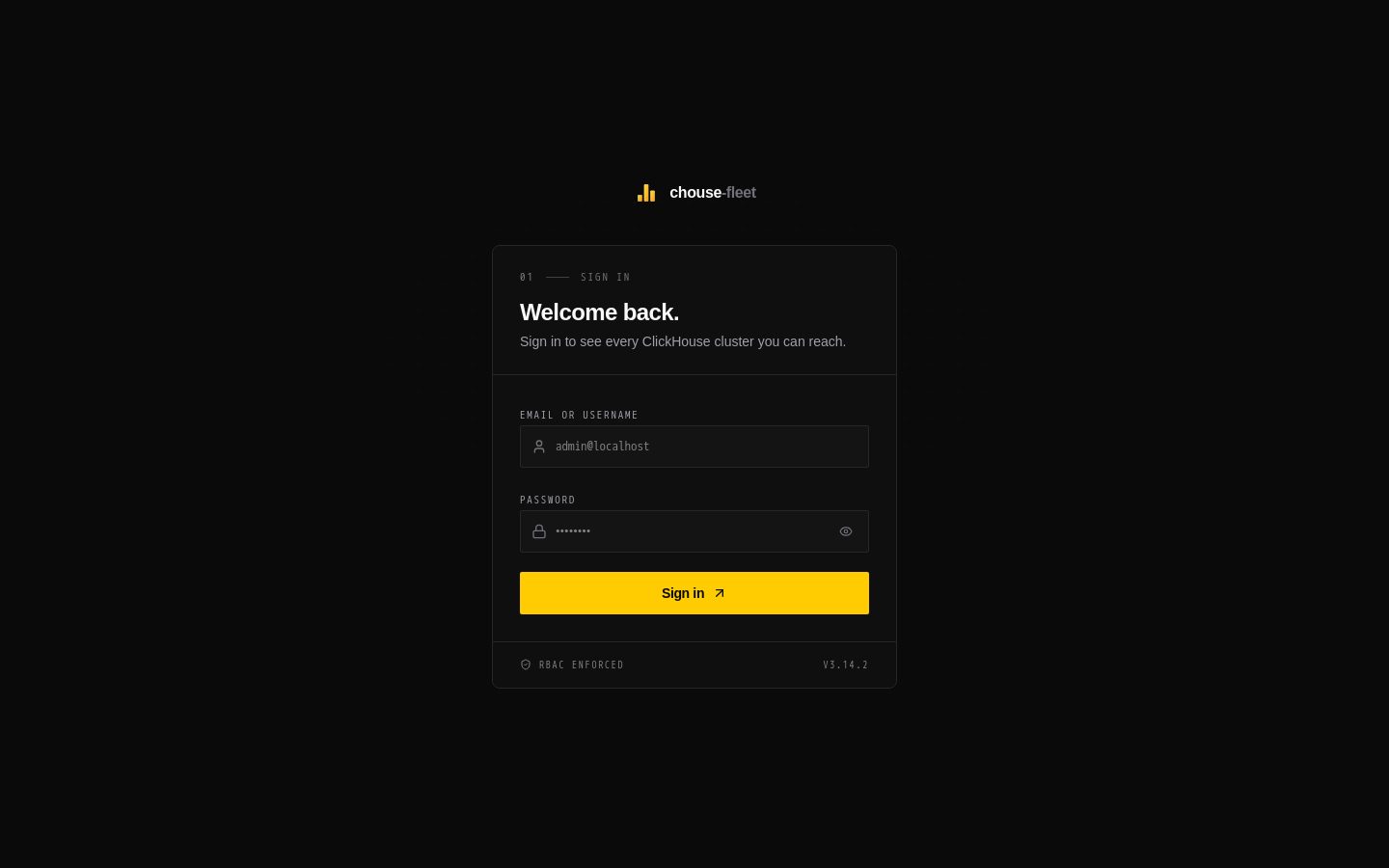
Sign in
Open CHouse UI (http://localhost:5521 locally, or your host). The sign-in page at /login takes an email or username and a password, or offers your SSO providers when they are configured.
On a fresh install, sign in with the first-run admin account:
| Field | Value |
|---|---|
| Email or username | admin@localhost or admin |
| Password | admin123! |
These come from RBAC_ADMIN_EMAIL, RBAC_ADMIN_USERNAME and RBAC_ADMIN_PASSWORD, which are only used to create this account on the very first start. Set them before the first start to choose your own.
Warning: Change the seeded password before anyone else can reach the instance.
The Getting started guide
On first sign-in the Getting started with CHouse guide opens. On a fresh install it starts with two setup steps, and the checklist is complete when both are done:
- Change password — replace the seeded password (12+ characters with uppercase, lowercase, a number and a symbol). You are signed out and sign in again with the new one.
- Connect ClickHouse — Open connections takes you to Admin › Connections to add and test your first server.
Below the setup, the guide offers short tours of each area you have permission for — Explorer, Monitoring, Data, Fleet, Agents, Admin — with highlights on the real screens. Progress is saved per user. Reopen the guide any time from the command palette (⌘K / Ctrl+K › Getting started).
Add your first connection
The browser never talks to ClickHouse directly; the server does, with credentials it stores encrypted.
- Admin › Connections › Add connection (needs
connections:edit). - Enter the host, port, user and password, and Test connection.
- Save, then make it active from the connection selector.
Then open the SQL editor in Explorer and run a query. Details: Connections.
Set your preferences
Preferences holds your theme, the default result row limit and your personal access tokens.
If sign-in fails
- Wrong credentials on a fresh install — the seeded account is only created when the RBAC database is first created. Setting
RBAC_ADMIN_*after that has no effect; reset a password from another admin account, or see Migrations & upgrades for the RBAC CLI. - "Password sign-in is disabled" —
AUTH_PASSWORD_LOGIN_ENABLED=falsewith SSO configured. Use the SSO button. - More in Troubleshooting.