
Live queries
Running queries with CPU time and thread count, memory-pressure context and kill support.
- In the app
- Monitoring › Live queries
/monitoring/live-queries - Needs
- live_queries:view
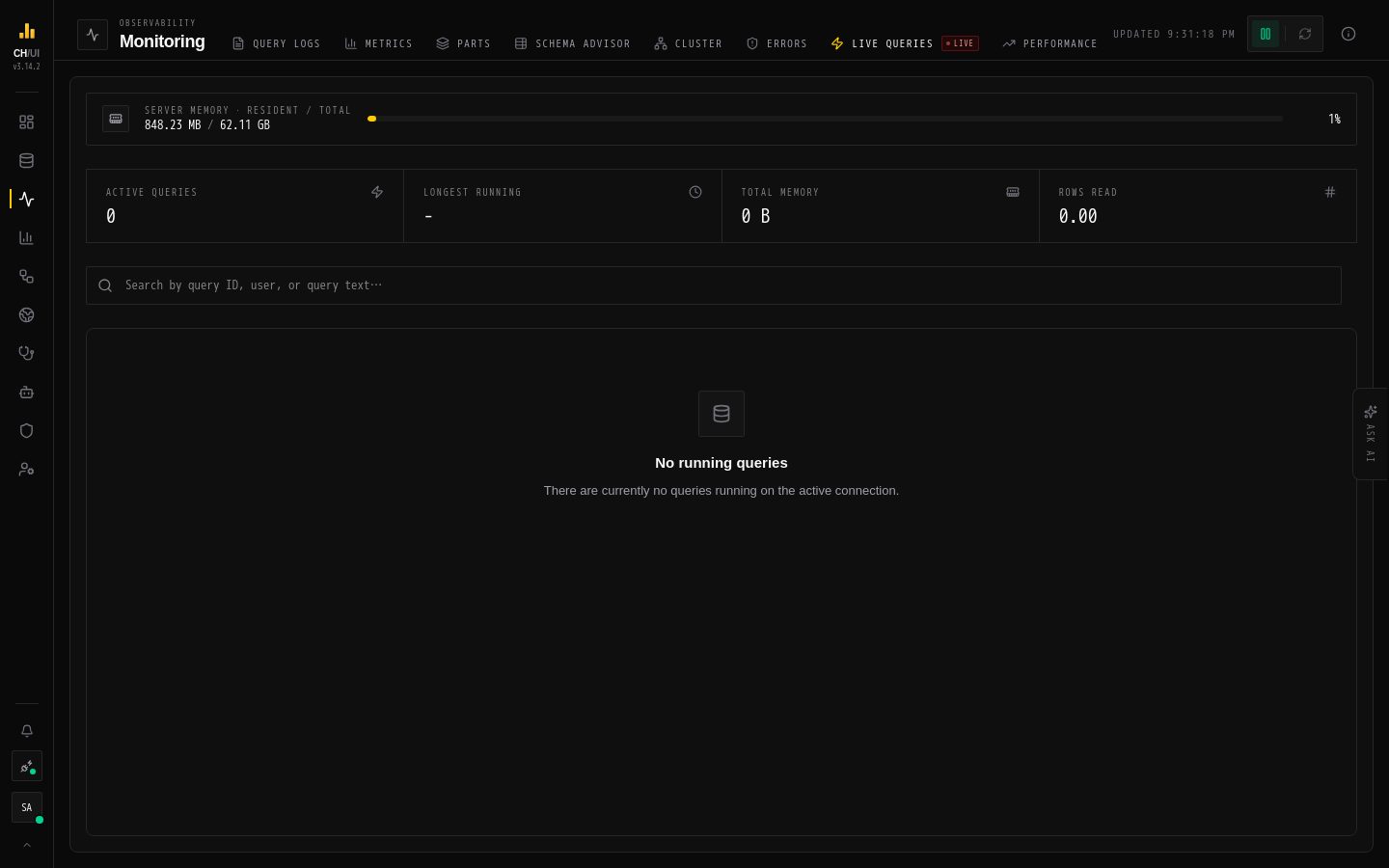
Live queries (/monitoring/live-queries, permission live_queries:view) shows what is running on the cluster right now — with the tools to intervene.
What you see per running query
| Field | Notes |
|---|---|
| Duration | Wall-clock so far, sortable |
| Memory | Bytes used so far, sortable |
| Rows | Rows produced so far |
| CPU time + thread count | Where the query actually spends cycles |
| Query text | Full statement |
Server-memory pressure strip
A strip puts per-query totals in context: resident memory and total memory as a percentage of server RAM. A query that looks big in isolation may be nothing on a 256 GB node — and vice versa. This is the same memory-pressure signal used in query logs.
Sorting & triage
Default triage flow:
- Sort by duration (find the long-runner) or memory (find the hog)
- Check the pressure strip for how much the cluster cares
- Inspect the statement — often the fix is obvious
Killing queries
| Action | Permission | Effect |
|---|---|---|
| Kill one query | live_queries:kill | Sends KILL QUERY for that query_id |
| Kill all | live_queries:kill_all | Sweep the running set (confirmation dialog) |
Every kill lands in the audit log.
Who is running what
The list reflects all ClickHouse activity, not just CHouse UI queries — cron jobs, BI tools, anything connected to the server. To attribute load back to dashboards, use the By Redash sub-view; for pattern-level cost, use Patterns.
Tip: For a standing rule ("kill anything over 10 min"), configure a long-running-query alert and let the fleet watch it — humans kill only what alerts escalate.