
Incidents, root cause & fixes
Cross-layer root cause and blast radius, investigation notebooks, fixes that run only after approval, Slack approvals and schema preflight.
- In the app
- Data › Incidents
/data/incidents - Needs any of
- observe:viewdata_health:view
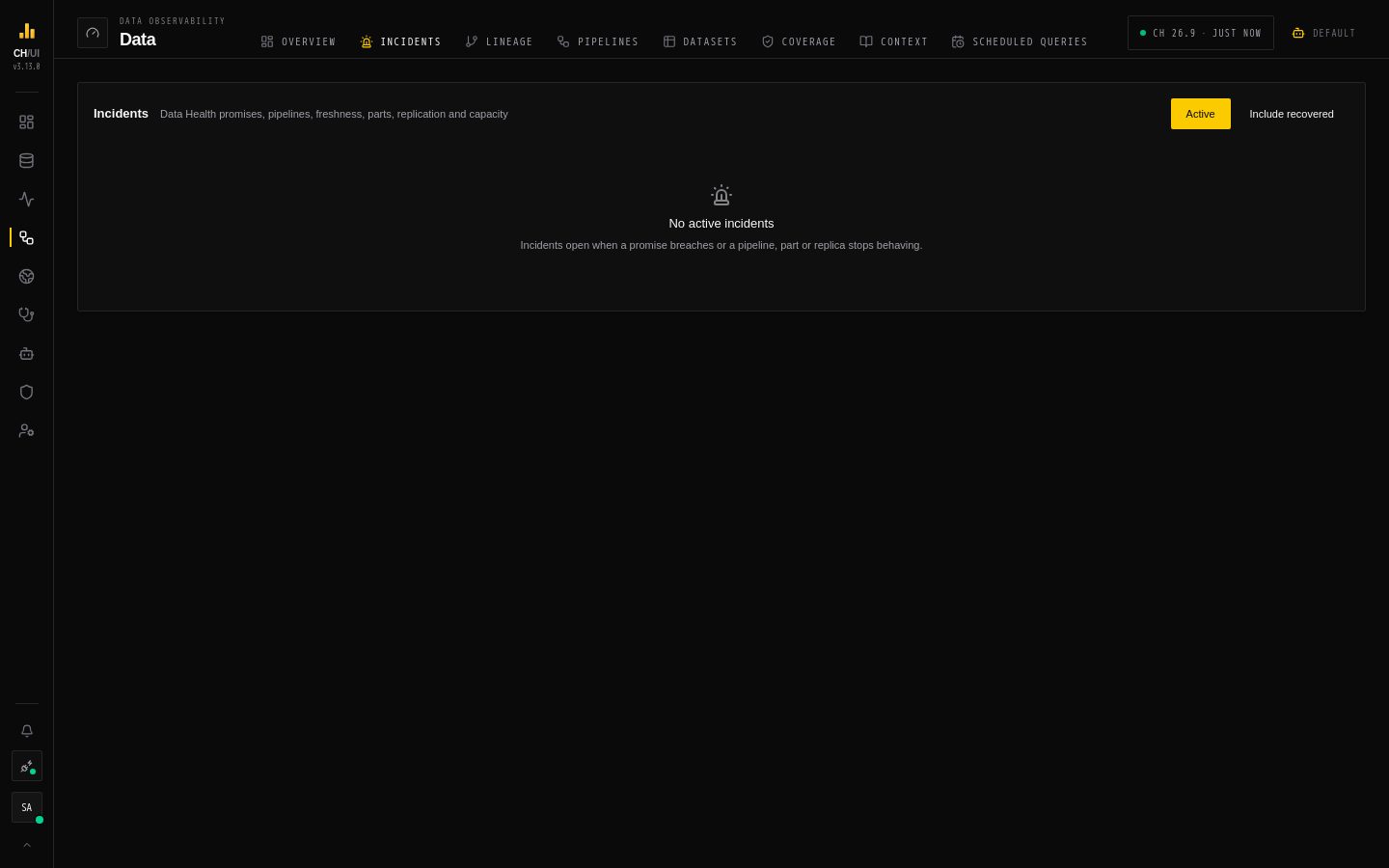
Data › Incidents is one list of everything wrong with the data on the active connection: broken promises, stuck pipelines, stale or degraded tables, and the part, replication and capacity problems underneath them. Each incident comes with a computed root cause, what it affects, and fixes that run only after approval. Incidents name their connection, who acknowledged them, and the scheduled queries, tokens and people involved by their current names, never by id.
Investigate an incident
Open an incident from the list (filter by Incident status) or from the Overview. The investigation view shows:
- Root cause chain — a deterministic walk from the symptom upstream through lineage and across layers: data → transform → ingestion → external → engine. Each step names the system table its evidence came from. The root is the deepest, earliest, most severe signal — computed from evidence, not guessed. Recompute root cause refreshes it after new evidence arrives.
- Blast radius — everything downstream of the root: tables, promises, scheduled jobs, saved queries and agents. Open in lineage shows it on the graph.
- What Chouse AI observed vs. inferred (needs
ai:optimize) — Chouse AI explains the stored chain, keeping observed facts apart from interpretation, and drafts fixes. It never chooses the root cause, and drafts outside the remediation catalog are dropped. - Fixes — proposals and their approval state (below).
- Notebook — a shared investigation notebook (below).
- Related incidents and the Timeline of what happened.
Acknowledge tells the team someone is on it; Snooze 1h silences it for an hour. Promise incidents need data_health:edit; pipeline and table incidents need observe:edit. Incidents are open, acknowledged or recovered; they move to recovered by themselves when the evidence says the problem is gone.
Fixes with approval
A fix is one action from a closed remediation catalog. Nothing outside it can run.
| Area | Actions |
|---|---|
| Queries & jobs | Kill a query · pause, resume or delay a scheduled job |
| Settings | Set one setting on a user, role or settings profile |
| Tables | Optimize a partition · restart a replica · add a skip index · change a TTL · change a column codec |
| Pipelines | Restart an engine table (detach/attach) · reload a dictionary · refresh a view · flush a Distributed table |
Every proposal shows the exact statements, how the result will be verified, and how to roll it back, before anyone approves it.
Lifecycle
proposed ──approve──▶ approved ──runs──▶ executed ──verified──▶ verified
    │                     │                                        │
└──reject──▶ rejected ◀┘ roll back ◀─────┘-
Propose — Propose a fix on the incident (or Review & propose a Chouse AI draft): pick the action, its parameters and Why this fix. Needs
remediation:propose. Agents can propose through the MCPpropose_remediationtool once an administrator turns it on. -
Approve or reject — in the UI, in Slack, or with
chouse remediation approve <id>. Approval rules are enforced on the server:Rule Detail Who approves remediation:approve; high-impact actions needremediation:approve_highHow many High-impact actions need two different approvers Self-approval Only for a low-impact fix you proposed yourself. Never for high-impact fixes, and never for fixes drafted by Chouse AI or proposed by an agent -
Run — a background worker runs approved fixes within seconds; Run now runs one immediately. TTL and codec changes run only inside the maintenance window (
REMEDIATION_MAINTENANCE_WINDOW, UTC, default02:00-04:00). Right before running, CHouse UI checks the target is still as it was when approved; if it changed, the fix is refused and must be proposed again. -
Verify — a probe confirms the effect, and the fix moves to verified.
-
Roll back — TTL, codec and settings changes can be rolled back to the recorded previous value. A delayed job resumes on its own when the delay ends.
Every step is in the audit log.
Set up fixes for a connection
Fixes never use the connection's normal credentials. Give each connection a dedicated remediation credential:
- Create a ClickHouse user for fixes (e.g.
chouse_fixer) with only the grants the actions you want need. The Propose a fix form lists the grants each action requires. - Admin › Connections › Edit — under Remediation credential, enter its username and password and save. It is stored encrypted, like connection passwords.
Without a remediation credential, fixes can be proposed and approved but won't run on that connection.
Approve from Slack
To post approval requests to a Slack channel with Approve / Reject buttons:
- Create a Slack app with a bot token that can post to the channel, and enable Interactivity with the request URL
https://<your host>/api/integrations/slack/interactions. - Set
SLACK_BOT_TOKEN,SLACK_SIGNING_SECRET,REMEDIATION_SLACK_CHANNELandPUBLIC_BASE_URL(Helm:slack.*andpublicBaseUrl). See Environment variables.
Each click is verified with the signing secret, and the Slack user is matched to a CHouse UI user by email. That user's own permissions decide — Slack grants nothing by itself.
Investigation notebooks
Incidents and Doctor reports share one notebook format: Chouse AI findings, read-only query cells with saved result snapshots (re-run any time), notes and fixes. Export postmortem downloads it as Markdown.
Adding cells needs notebooks:edit; query cells also need query:execute, and run under your own data access.
Schema change preflight
Before any DDL runs — from the SQL editor, the Explorer's drop buttons, the API, the CLI or MCP — CHouse UI checks what depends on the object. A change that would break a view, dictionary, Distributed table, scheduled job, promise or saved query is stopped (HTTP 409 SCHEMA_PREFLIGHT_BREAKS) with the list of what breaks and, when possible, a safer plan.
Users with schema:override (Admin and Super Admin by default) can confirm and run it anyway; the override is audited. Dependents the user can't read are counted but not named.
From the CLI
chouse incidents                         # open data and pipeline incidents with their root cause
chouse remediation list --status proposed
chouse remediation approve <actionId> --comment "checked with the owner"