
Alerting
Channels with health and what uses them, everything that sends alerts in one list, history with search, fleet threshold rules, and who can act from a channel.
- In the app
- Admin › Alerting
/admin/alerting - Needs
- alerting:view
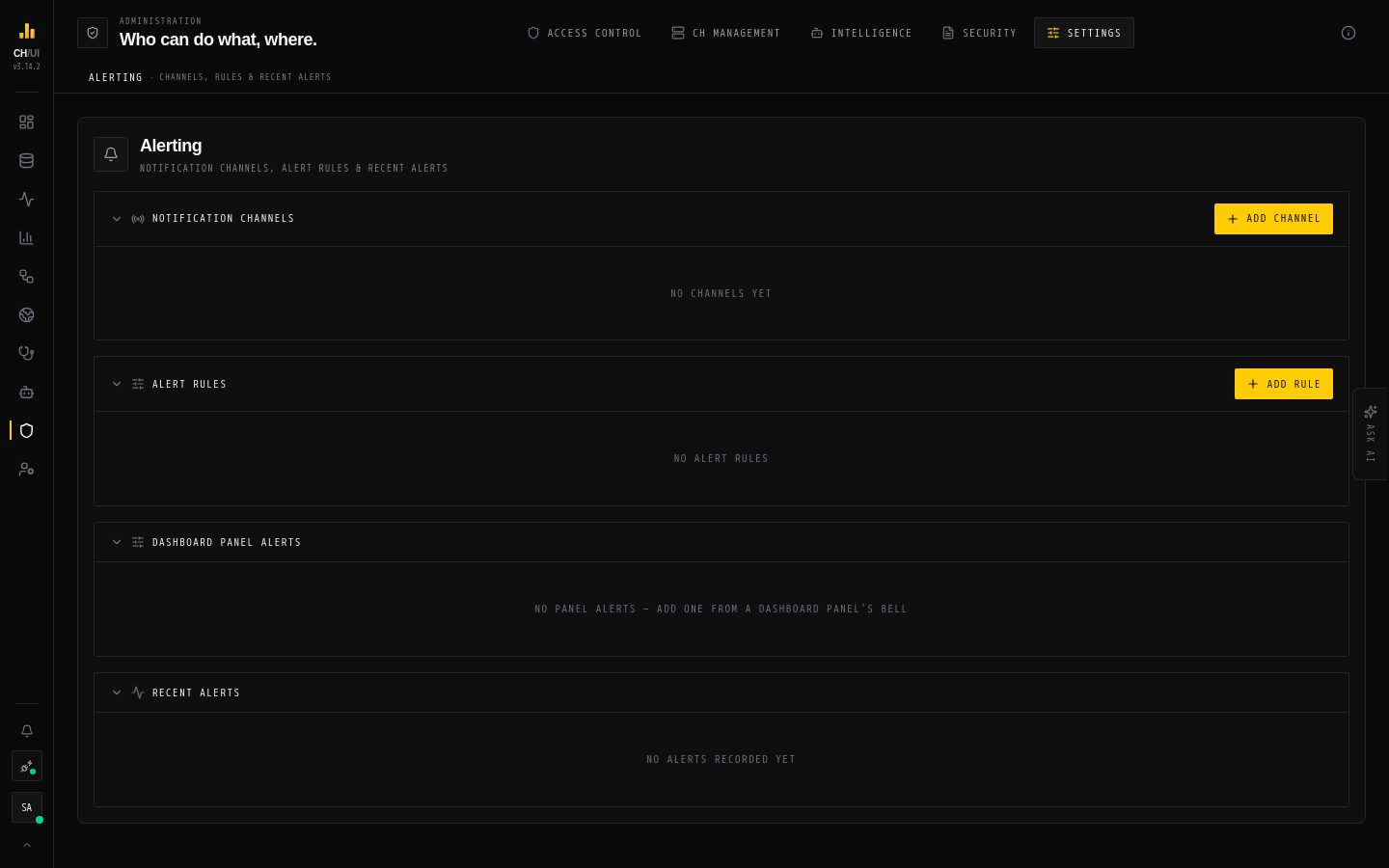
Admin › Alerting is where alerting is looked after: where alerts go (channels), everything that sends them (rules), and what was sent (activity). Editing needs alerting:edit; deleting needs alerting:delete.
Four tabs. The tab, search, filters and page are kept in the address, so a filtered view can be shared and Back works.
Overview
Whether alerting is healthy, at a glance:
| Tile | Shows | Opens |
|---|---|---|
| Firing now | Fleet breaches of enabled rules, dashboard alerts firing, open Data Health incidents | Rules, filtered to firing |
| Sent, last 24h | Messages that reached a channel | Activity for the last 24 hours |
| Failed sends, 24h | Messages a channel did not take | Activity, failed only |
| Waiting on someone | AI requests waiting for an approver | Approvals |
A channel whose latest delivery failed shows a banner with the platform's error and Fix channel. What sends alerts counts what each feature sends to channels; each tile opens it in Rules.
Channels
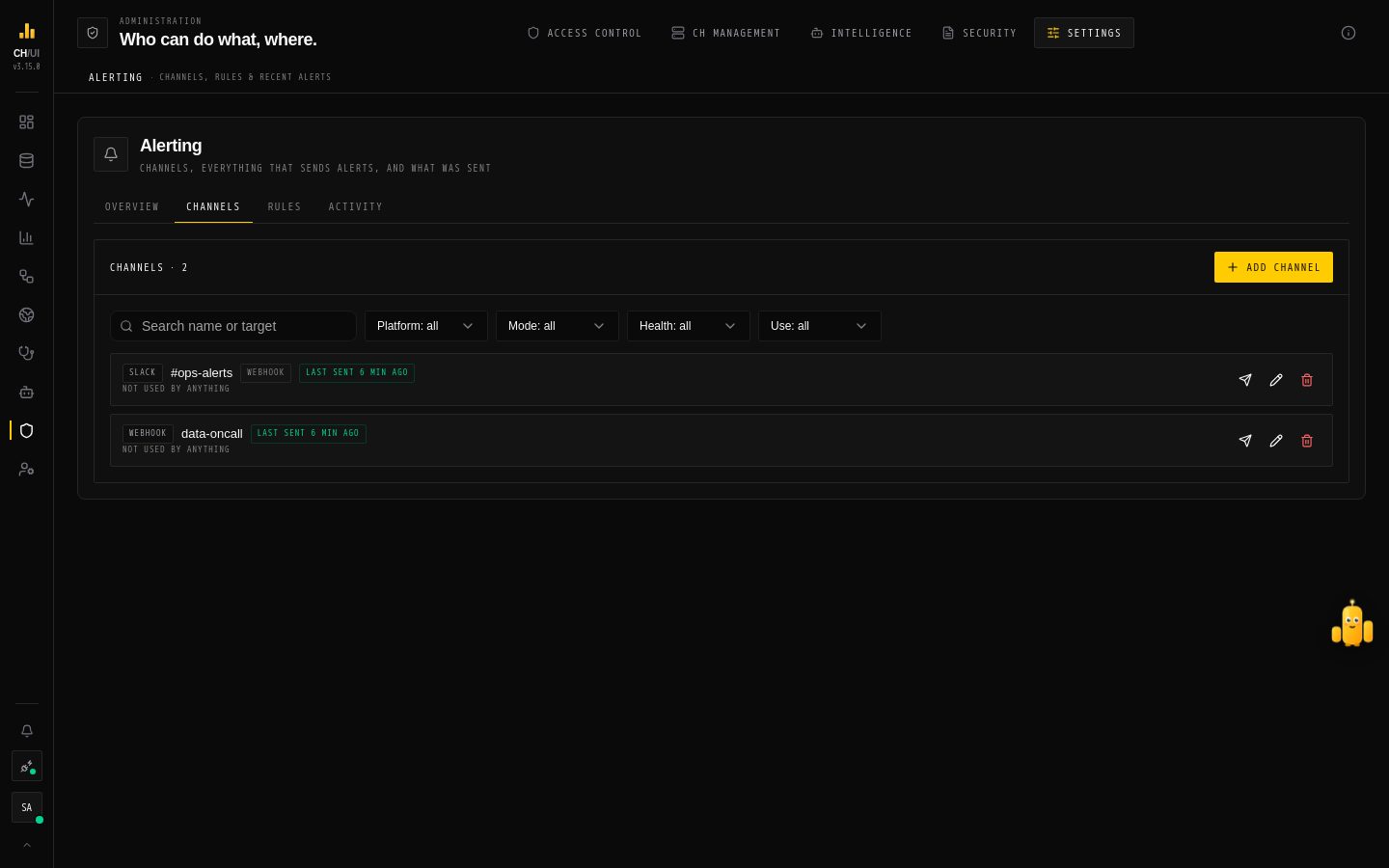 Channels: mode, delivery health and what uses each channel
Each channel shows its type and mode, its health (Last sent …, N failed · 24h with the error, or nothing sent yet), what uses it, and who can act from it. Search by name or target; filter by platform, mode, health, and whether anything uses it.
Add channel walks four steps:
- Platform — Slack, Google Chat, Telegram, Email or Webhook.
- Connect — the platform's settings (below). Secrets are write-only: once saved, a secret shows as unchanged and is only replaced when you type a new one.
- Test — CHouse checks a bot channel first (who the bot is, that it reaches its chat, that button presses come back) and sends a test message. Test again after fixing something in Connect.
- Who can act — for channels whose messages carry buttons (see below).
| Type | Mode | Needs |
|---|---|---|
| Slack | Webhook | An incoming webhook URL |
| Slack | App | A bot token (xoxb-…), the app's signing secret, and the channel ID — see Chat apps |
| Google Chat | Webhook | A space webhook URL |
| Google Chat | App | A service account key, the space, and optionally the audience — see Chat apps |
| Telegram | Bot | A bot token from BotFather and the chat ID, optionally a topic — see Chat apps |
| — | SMTP host, port, TLS, username, password, optional from, and recipients | |
| Webhook | — | An endpoint URL and an optional bearer secret (sent as Authorization: Bearer …) |
App mode and Telegram do more than post: they edit what they sent (an alert shows resolved in place; a request shows who approved it), and their messages carry buttons — Acknowledge and Snooze on Data Health alerts, Approve and Reject on remediation proposals, Approve and Decline on AI requests. Webhook channels, email and webhooks get a link instead.
Switching a channel's mode needs the new mode's secrets; the old mode's are removed.
Who can act from this channel
By default anyone who holds the permission for an action can press its button. Only these narrows it to listed people:
| Platform | You can list |
|---|---|
| Slack | Slack users (U…) and user groups (S…) |
| Google Chat | Emails and Workspace domains |
| Telegram | Telegram user IDs |
| All | CHouse users and roles |
The list only narrows: whoever presses a button still has to be an active CHouse user with the permission for that action, and the requester of a high-risk change can never approve it. Leaving the list out of an edit keeps it. See how a button press is checked.
Deleting a channel
The confirmation says what still uses the channel. Fleet rules, dashboard panel alerts and dashboard reports still block the delete until they stop using it; other features stop sending there.
Rules
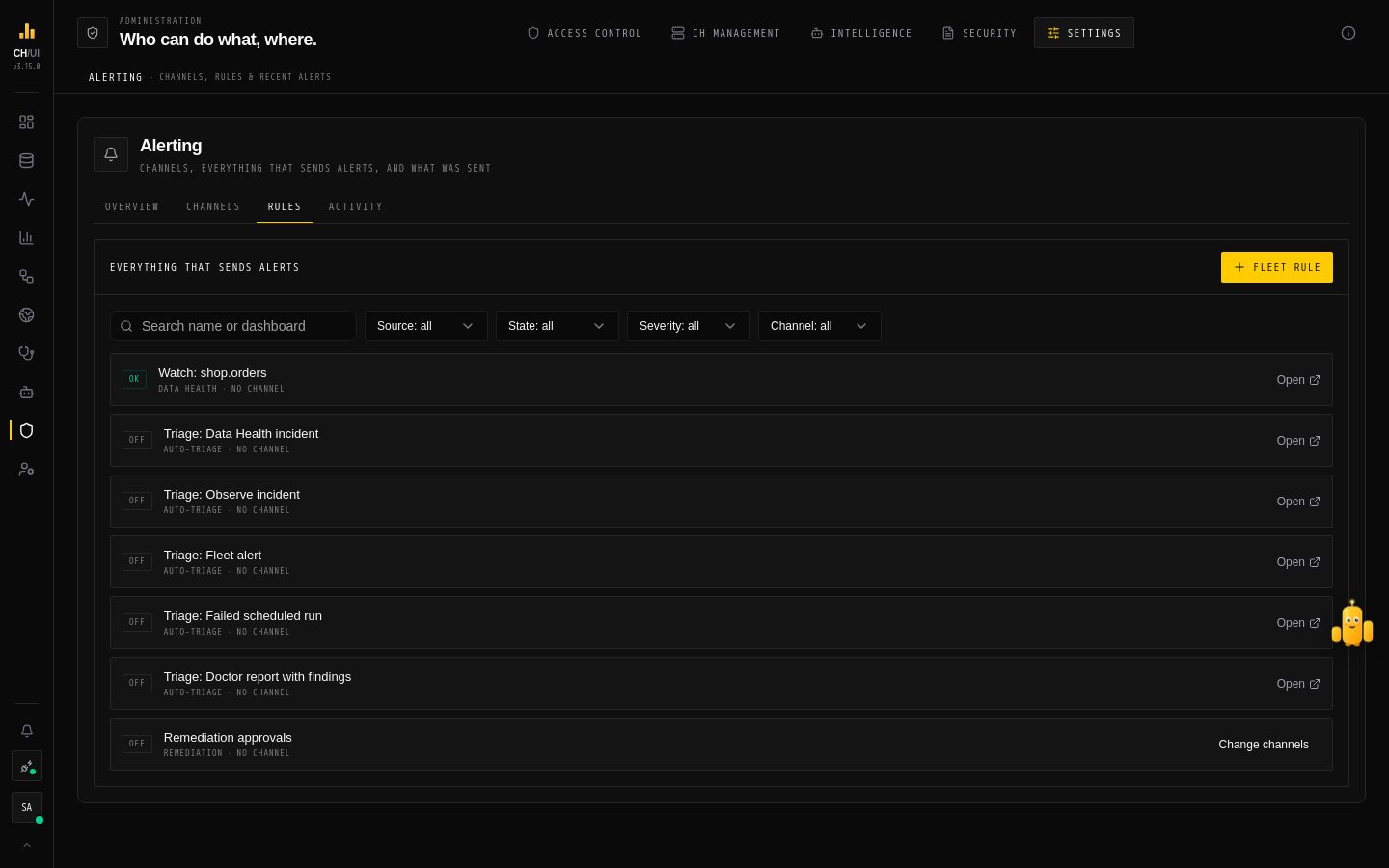 Rules: every feature that sends alerts, in one list
Everything that sends alerts, in one list: fleet rules, dashboard alerts, Data Health promises, scheduled queries with channels, auto-triage triggers and remediation approvals — each only as far as your permissions show it (a list you can't see is named instead). Search by name or dashboard; filter by source, state (firing, error, OK, off, pending, no channel), severity and channel.
Fleet rules are created and edited here (Fleet rule). Everything else opens where it is managed, except Remediation approvals, whose channels you pick here with Change channels. The Slack bot set by SLACK_BOT_TOKEN, SLACK_SIGNING_SECRET and REMEDIATION_SLACK_CHANNEL keeps posting proposals too.
Fleet rules
-
Name and Severity (info, warning or critical).
-
Thresholds — set any of these;
0turns one off:Threshold Fires when Node mem % A node's memory use exceeds this percentage Query GB A single query holds more than this much memory Query min A single query has run longer than this many minutes Parts ETA min A table is projected to reach parts_to_throw_insert(inserts start failing with too many parts) within this many minutes -
Deliver to channels — one or more channels.
-
Optionally AI auto-RCA on breach with a Model: when the rule fires, the Doctor investigates the affected connection and sends its report to the same channels, at most once per
DOCTOR_AUTO_RCA_COOLDOWN_MINUTES(default 15).
Only one fleet rule can be active at a time; disable the current one before enabling another.
Dashboard panel alerts are managed from the panel's bell; see panel alerts.
How alerts fire
Fleet rules are checked on every fleet sample (OBSERVE_FLEET_INTERVAL, default 30 s). An alert fires once when a condition goes from healthy to breaching, and doesn't repeat while it stays breached; the state survives pod restarts and failover, so a rollout doesn't re-send everything. A parts-pressure alert re-arms only once the projected time climbs well clear of the limit, to avoid flapping. When a breach clears, channels that can edit mark the alert resolved in place.
Every message is logged once per channel, so a retry or a second replica never sends it twice, and the log is where channel health comes from.
Activity
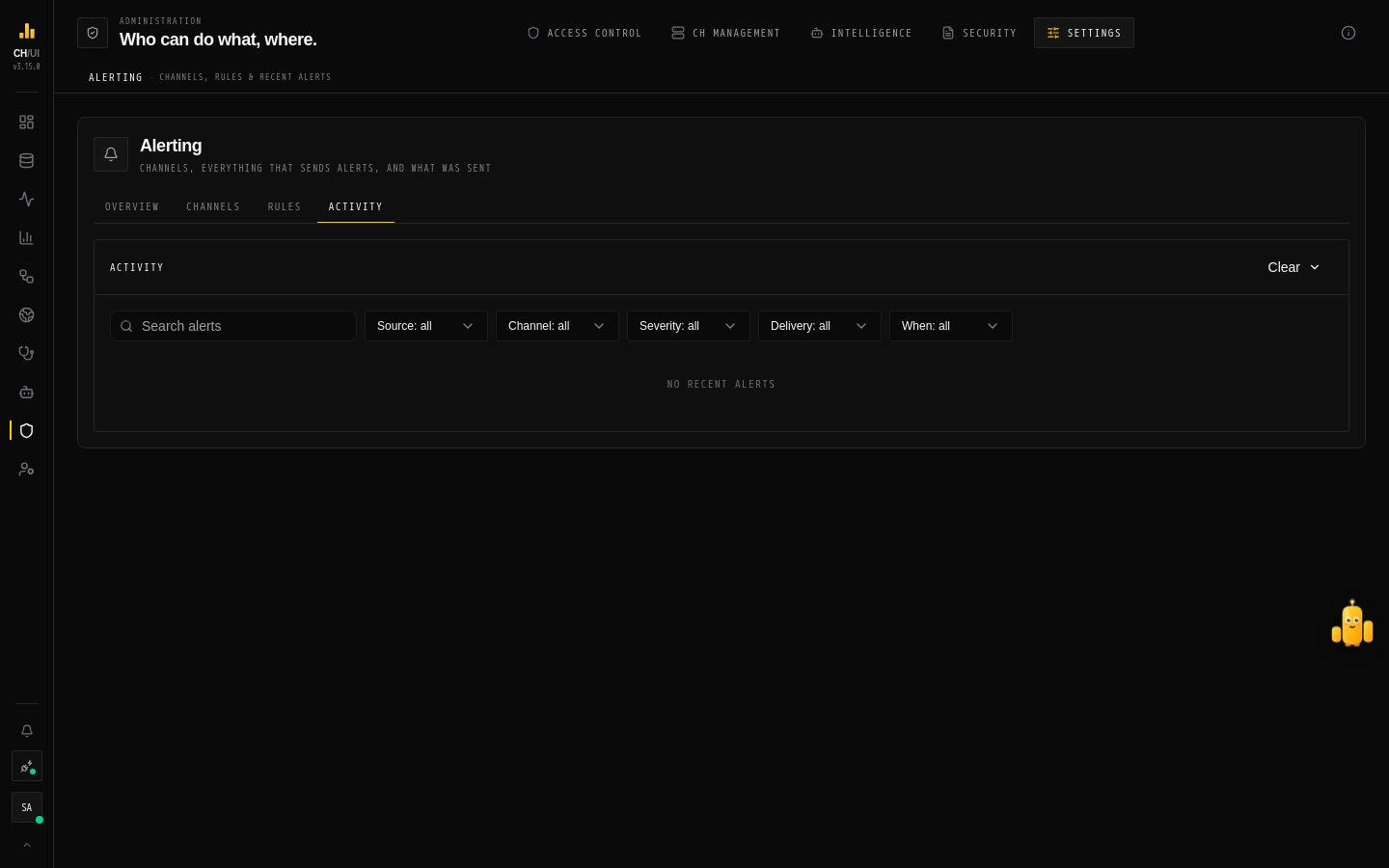 Activity: where each alert went and whether it got there
What fired, where it went and whether it got there. Search the alert text (% and _ match themselves); filter by source, channel, severity, delivery (sent everywhere or some failed) and time (last hour, 24 hours, 7 or 30 days). Load more pages back through history. Clear removes entries older than 24 hours, 7 days or 30 days, or all of them.
Note: Before 3.14, channels and rules lived in ALERT_CONFIG_FILE. That file is imported into the database once on upgrade; after that, manage everything here.
Suggested starting rules
| Threshold | Start with |
|---|---|
| Node mem % | 85 |
| Query GB | About a quarter of a node's RAM |
| Query min | 10 |
| Parts ETA min | 60 |
Tune them after a week of watching Fleet trends, so alerts and the dashboard agree.