
Draft dashboards with AI
Describe what to watch; every drafted panel is checked and dry-run with your access before you accept it.
- In the app
- Dashboards › Ask AI
/dashboards - Needs any of
- dashboards:editai:optimize
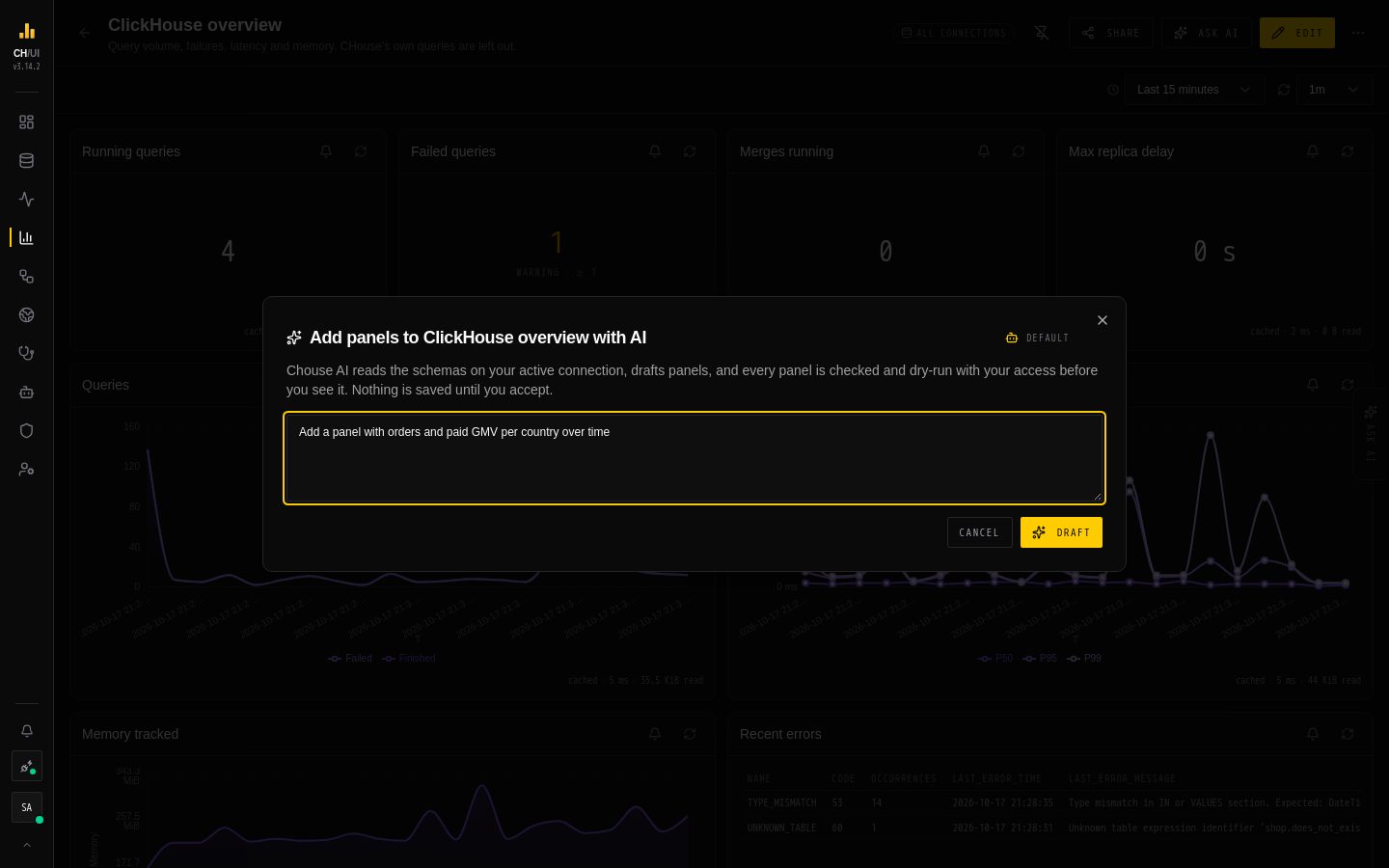
Ask AI on the Dashboards page drafts a new dashboard from a goal. On a dashboard you can edit, it drafts new panels for that dashboard. The model button in the dialog's header picks the AI model, the same pick as on the Data page. Describe what you want to watch, for example "the orders Kafka to MergeTree pipeline, so I see problems before they hit users".
The Dashboard Drafter agent reads the schemas it needs on your active connection and drafts a title, variables, and a few panels, each with its SQL, chart settings, size, and a one-line reason.
Every panel is checked before you see it
Each drafted panel goes through the same checks as a save and a run, with your access:
- Its chart settings and size are valid.
- Its SQL is one read-only
SELECTthat compiles with the drafted variables. - Your data access rules allow every table it reads.
- A dry run (the query wrapped in
LIMIT 1, with the dashboard limits) succeeds and returns every column the chart uses. - The checks for charts that look right but are wrong.
Each panel comes back with one of three statuses:
- Checked: it passed all five checks.
- Check this: one of the chart checks flagged something. Apply fix makes a mechanical fix when there is one.
- Blocked: it failed one of checks 1–4, with the reason. A blocked panel cannot be kept.
A drafted variable that is not valid is left out, and the review says so.
Nothing is saved until you accept
Untick the panels you don't want and press Create (or Add, on an existing dashboard). The draft is then saved through the normal dashboard save, which checks it again. When adding to a dashboard, a variable the dashboard already has keeps its own definition.
Drafting needs dashboards:edit and ai:optimize. Its tokens, cost and the schema details sent to the model provider appear in AI activity. Change the agent's model or prompt in AI Governance › Assistant.