
Scheduled queries
Cron and event-driven SQL jobs with macros, materialize destinations (also across a cluster), run history and replica-safe leases.
- In the app
- Data › Scheduled queries
/data/scheduled-queries
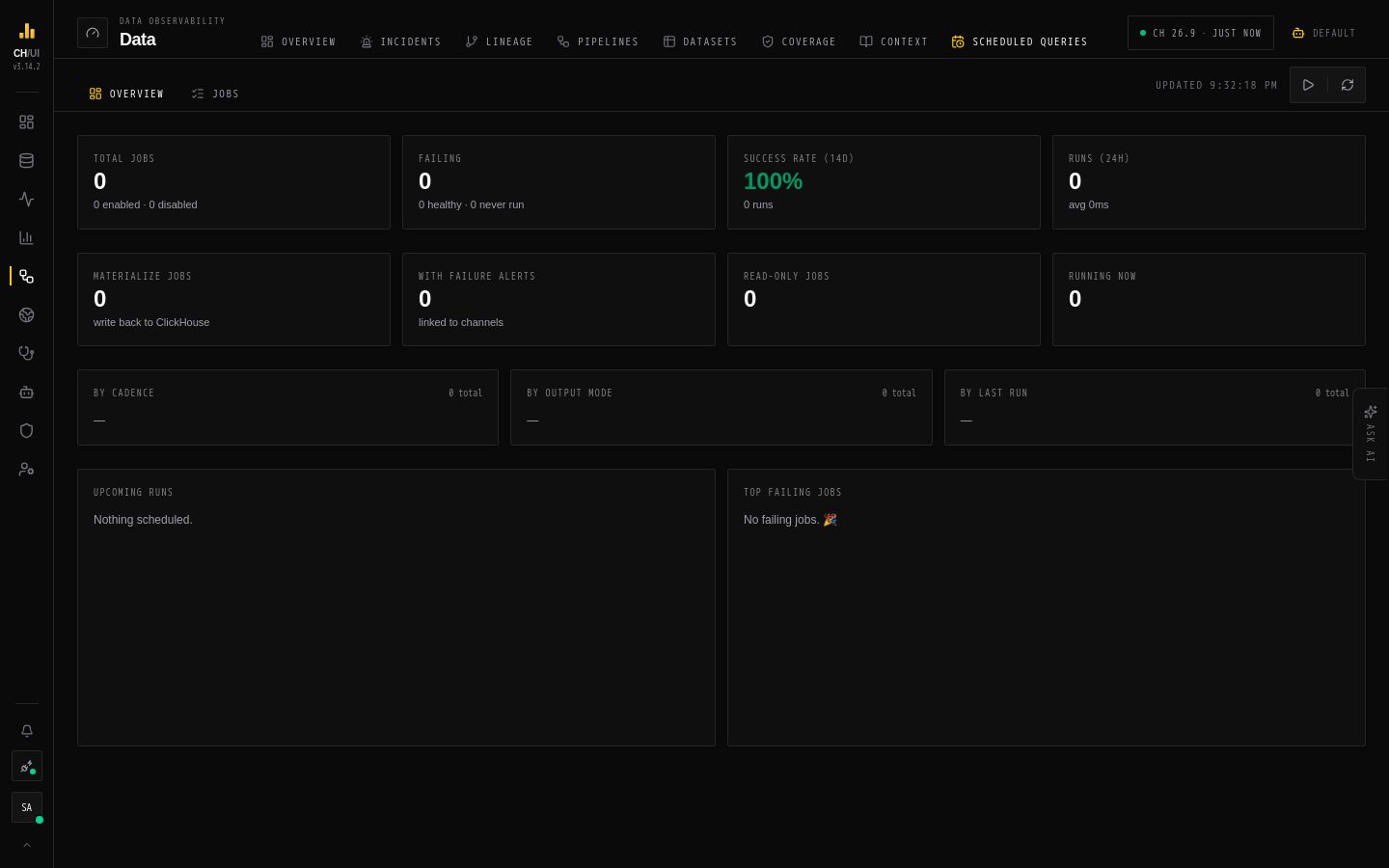
Data › Scheduled queries runs SQL on a schedule — rollups, extracts, checks — and can write the result into a table. Every run is recorded, jobs appear in lineage, and a job runs once per slot no matter how many CHouse UI replicas you have.
Create a job
- New job (needs
scheduled_queries:edit). Or describe what you want under Draft from intent and let Chouse AI write an editable draft (needsai:optimize). - Name, description and connection — the job runs on that connection with its ClickHouse credentials.
- Query — a read-only
SELECT. Use the window macros (below) to scope each run to its time slot. - Frequency — Daily, Weekly, Monthly (with day and UTC hour), Custom cron (e.g.
*/15 * * * *) or Manual only. Preview shows the next fire times in local time and UTC. - Output mode — what to do with the result (below).
- Failure alerting — channels from Alerting to notify when a run fails, and again when it recovers.
- Optionally run AI preflight review to check correctness, cost, window and destination risks. Then save.
Window macros
Macros are replaced on the server for each run, in UTC:
| Macro | Value |
|---|---|
{{slot_start}} | Start of the slot this run covers |
{{slot_end}} | End of the slot |
{{prev_run_at}} | When the previous run happened |
SELECT toDate(created_at) AS day, count() AS orders
FROM shop.orders
WHERE created_at >= {{slot_start}} AND created_at < {{slot_end}}
GROUP BY day
Because each run covers exactly its slot, re-running a slot gives the same answer.
Output modes
| Mode | Does | Needs |
|---|---|---|
| None (read-only) | Runs the query and records the result summary | scheduled_queries:edit |
| Append | Inserts the result into the destination table | scheduled_queries:write |
| Replace partition | Builds the slot's data in a staging table, then swaps whole partitions into the destination | scheduled_queries:write; a partition expression |
| Upsert | Inserts into a ReplacingMergeTree (or Aggregating/Collapsing) destination, so newer rows replace older ones | scheduled_queries:write |
For a materializing job you choose the destination database and table, and can Create destination table if missing with an engine, ORDER BY and partition key. CHouse UI pins the query's column types when you save and fails a run, rather than writing bad data, if they change. Retries are safe: append and upsert use a per-slot deduplication token, and replace swaps whole partitions.
Destinations on a cluster
Tick Destination is on a cluster and pick a cluster from system.clusters:
- One shard (replicated) — the destination is a
Replicated*MergeTreeon every replica. - Several shards — a per-shard local table (default
<table>_local) plus aDistributedtable routed by a sharding key you give, which must be deterministic (for upsert, use onlyORDER BYcolumns).
The editor shows the generated ON CLUSTER DDL and won't save until every precondition passes — cluster membership, database, Keeper macros, engine and sharding key. Each run checks the topology again and fails instead of writing partial data.
Jobs, runs and lineage
- Jobs lists every job with its schedule, last status and next run. Run now needs
scheduled_queries:run; editing needsscheduled_queries:edit; deleting needsscheduled_queries:delete. - Runs records every execution — trigger (scheduled, manual or event), start and end, duration, rows written and the error if it failed. Clear & rerun recomputes past slots — failed ones, or ones that already succeeded — and can also re-evaluate the linked promises over the same windows.
- A job's page shows its lineage, an AI operational brief of recent runs, and links into the full lineage graph.
You see your own jobs; scheduled_queries:view_all shows and acts on everyone's.
Who a job runs as
A job runs on its connection's ClickHouse credentials, but CHouse UI checks the job owner's current permissions and data access before every run. If the owner loses access to a table, the job stops reading it. Each query is tagged in log_comment with the job and owner, so system.query_log attributes it.
Promises use the same engine
Every promise is backed by a scheduled job. A promise can also run after a scheduled query succeeds — the event trigger — so it checks fresh data right after the job that loads it.
Running it across replicas
The scheduler runs inside every server pod. The job row itself is the lease: one pod claims each slot, so redundant ticks are harmless. To run scheduling on dedicated pods only, set SCHEDULED_QUERIES_ENABLED=false on the others. With more than one replica you need PostgreSQL; on SQLite each pod would have its own database (the server logs an error when CHOUSE_HA=true on SQLite).
From the CLI: chouse scheduled list|get|run|runs — see the CLI reference.