
Chouse AI Doctor
The AI SRE: guarded fleet scans, structured reports, notebooks, proposed fixes and auto-RCA to Slack/email on breaches.
- In the app
- Doctor
/doctor - Needs
- doctor:view
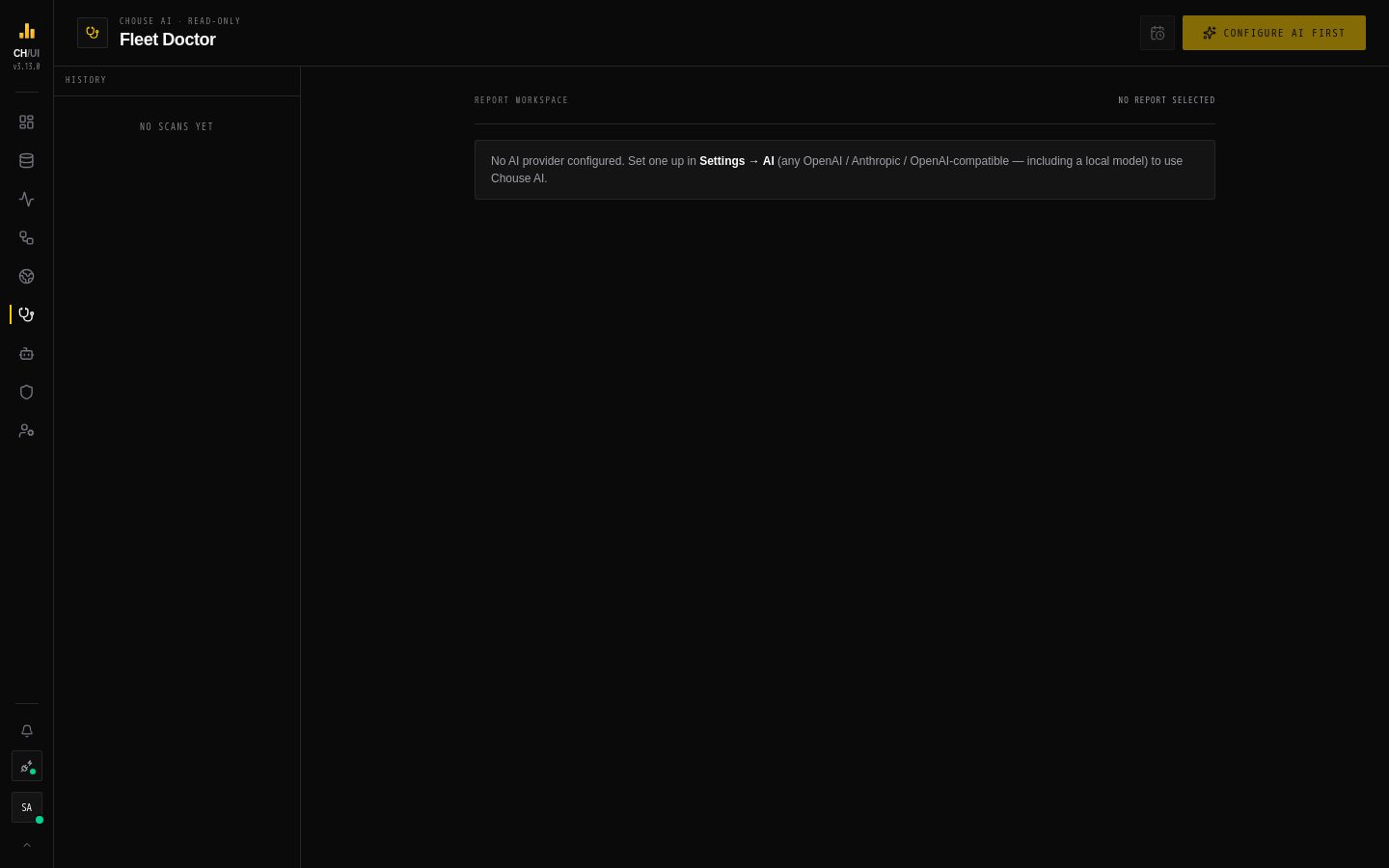
The Doctor (/doctor) is Chouse AI's fleet health check. It investigates your ClickHouse servers with read-only queries, writes a structured report of what's wrong and why, and proposes fixes that only run after a person approves them. Reading reports needs doctor:view; running a scan needs doctor:run.
It needs an AI model: set one up in AI models first, or the page asks you to Configure AI first.
Run a scan
- Choose Which nodes to scan (all, or a subset of your connections) and the Investigation window — how far back to look (e.g. 24h).
- Run Chouse AI Doctor Scan. The Doctor gathers evidence — query cost, memory pressure, parts and merges, mutations, replica health and lag, error trends — and writes the report. You can cancel while it runs.
Read a report
| Section | Use |
|---|---|
| Nodes | Per node: verdict, memory, CPU, queries, long-running queries, merges, mutations, sick replicas and lag |
| Recommendations | Ordered, concrete next steps, each with the evidence behind it |
| Heavy query analysis | The costliest queries, with an optimized query to review before running and the estimated data each would scan |
Each report opens as an investigation notebook, so your team can add query snapshots and notes and export a postmortem. Fixes from this report lists proposed fixes; they go through the same approval rules as any other fix.
Past reports are in History; select reports to delete them. Reports triggered by an alert are marked Auto-RCA.
Scheduled scans
Scheduled scans (needs doctor:run) runs a scan on the server without anyone's browser open:
- Frequency — daily, weekly (pick the day) or monthly (day 1–28), at an hour in UTC
- Scan window — tied to the cadence: daily looks at 24h, weekly 7d, monthly 30d
- AI model and which nodes
- Send to Slack / email — deliver the report through the alert channels
Automatic root cause on alerts
An alert rule can turn on AI auto-RCA on breach: when it fires, the Doctor investigates the affected server and sends the report to the rule's channels — at most once per DOCTOR_AUTO_RCA_COOLDOWN_MINUTES (default 60) per server.
Safety
| Guarantee | How |
|---|---|
| Investigation changes nothing | Its only tool runs single SELECT statements on system.*, with ClickHouse readonly=1 |
| Advice is checkable | Every recommendation cites the evidence it is based on |
| Fixes need people | Proposed fixes come from the remediation catalog and run only after approval; an AI-drafted fix can't be approved by whoever submitted it |
| Spend is controlled | Only doctor:run can start scans; every scan and schedule change is audited |
The scan, the diagnoses and the heavy-query optimizer each run on an AI agent that administrators can tune — prompt, model, step budget — in AI Governance › Assistant. The Fleet Doctor agent's only tool is query_node; see the AI feature catalog.