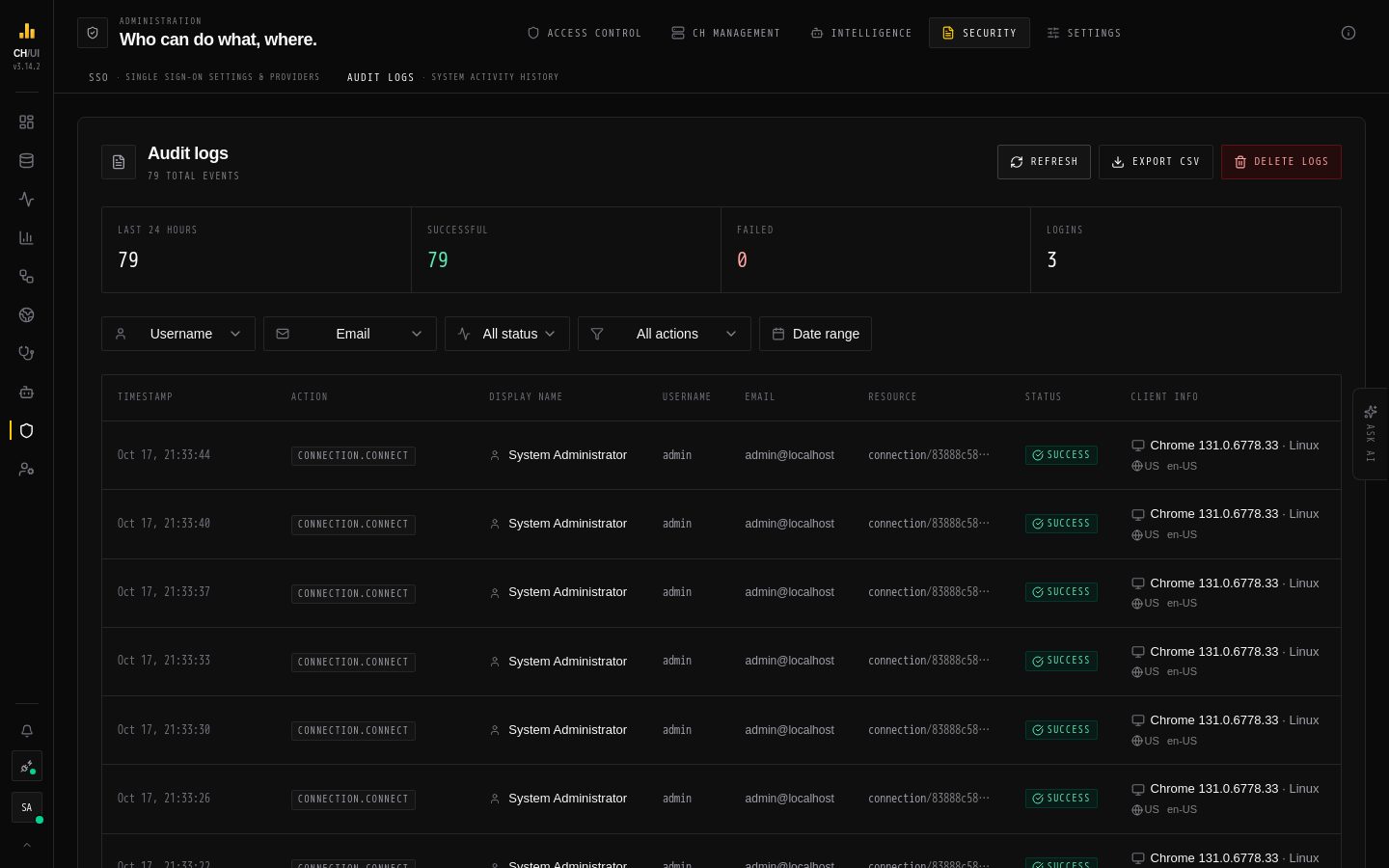
CHouse UI records user actions and query history with actor context — the who/what/when trail for shared database access. View it under Admin › Audit logs (requires audit:view). Every action name is listed in the audit event catalog.
What is recorded
Event class
Examples
Query executions
Every query run through the proxy, with SQL, connection, timing
Auth events
Logins, failed logins, SSO callbacks, token use
Admin actions
User/role/connection/SSO/data-access changes, AI model changes
Operational actions
Kills, exports, uploads, scheduled-job mutations
Each entry carries the acting user, role, connection, timestamp and outcome.
Working with the audit log
Filter by user, action type, connection and time range
Export the filtered set (requires audit:export) for external retention/compliance tooling
Delete entries (requires audit:delete) — typically not needed; prefer export + retention at the storage layer
Query history vs audit log
Query history
Audit log
Scope
Per-user queries in the workspace
All user actions app-wide
Visibility
Own (query:history:view) or everyone's (query:history:view:all)
audit:view
Purpose
Personal productivity
Governance/compliance
Storage & retention
Entries live in the RBAC database (SQLite or PostgreSQL). Retention is whatever your database backup policy enforces — CHouse UI does not auto-purge. For long-term compliance, export periodically or point backups at the database.
Security posture
Audit entries are append-only from the UI perspective; deletion is its own auditable permission