
AI models
Connect AI providers, register provider models and publish deployments for Chouse AI — sixteen provider types, keys encrypted.
- In the app
- Admin › AI models
/admin/ai-models - Needs
- ai_models:view
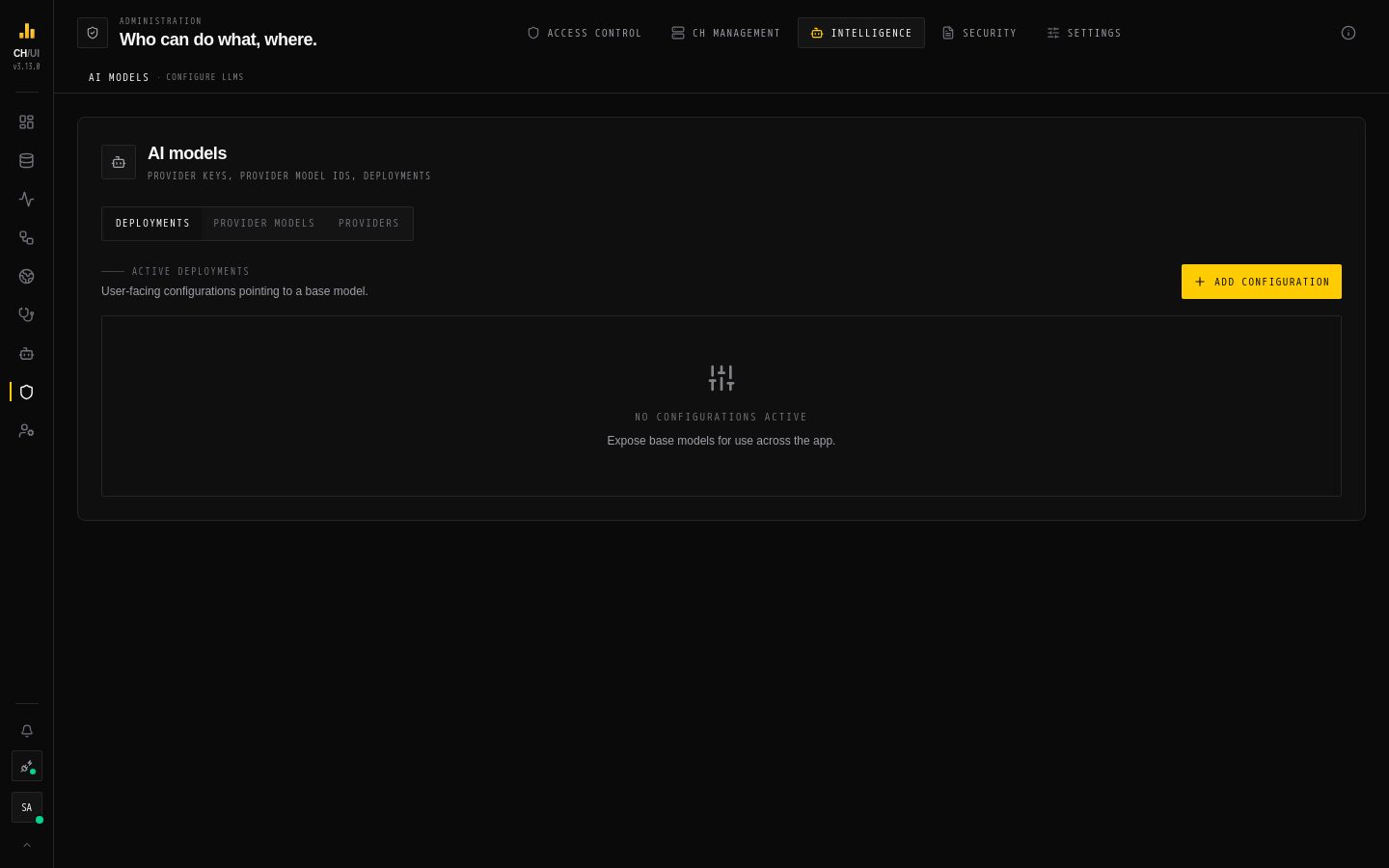
Every Chouse AI feature — AI Assist in the editor, the Doctor, in-tab diagnosis, incident explanations, watchers, the operational brief — runs on a model you configure here. Nothing is sent to a provider until you add one.
Setup has three layers, one tab each:
| Tab | What it holds |
|---|---|
| Providers | Who you call and with which credentials |
| Provider models | Which model of that provider (its exact model ID) and its runtime parameters |
| Deployments | The named configurations people pick in the app, each pointing at a provider model; one is the default |
1. Add a provider
Providers › Add provider (needs ai_models:create): a display name, a provider type, and its credentials.
| Provider type | Needs |
|---|---|
| OpenAI, Anthropic, Google, Groq, Mistral, Cohere, xAI, DeepSeek, Cerebras, Fireworks, Together, OpenRouter | API key |
| OpenAI-compatible | Base URL and API key (vLLM, LiteLLM, LM Studio, …) |
| Azure OpenAI | Resource endpoint (https://<resource>.openai.azure.com) and API key; model IDs are your Azure deployment names |
| Amazon Bedrock | AWS region, access key ID and secret access key |
| Ollama | Base URL (no key) |
Credentials are stored encrypted and never returned to the browser; to rotate them, enter them again. A provider can be switched Inactive without deleting it.
2. Add a provider model
Provider models › Add base model: pick the provider and enter the provider model ID exactly as the provider expects it (e.g. gpt-4o). Optional runtime parameters — stop sequences, API version, Gemini safety settings, extra request parameters as JSON — apply to every deployment that uses the model; empty fields keep the defaults.
3. Create a deployment
Deployments › Add configuration: a friendly deployment name people will see, and the provider model it uses. Mark it Active, and Set as default for the deployment used when nobody picks one.
Models and agents
Every AI feature runs on an AI agent. An agent can name one of these deployments as its model; one that doesn't uses the default deployment, and a model the user picks in the chat or SQL editor wins over both.
The Reliability & agent runtime parameters of a provider model — Recursion limit and Run timeout (ms) — override the step and time limits of every agent run on that model. Leave them empty to use each agent's own tuning.
Keep prompts in your network
To keep prompts and schema context inside your network, use Ollama or any OpenAI-compatible server you host.
Who can use AI
Configuring models needs the ai_models:* permissions. Using AI is separate: ai:optimize for optimize/debug/diagnose and the Doctor's explanations, ai:chat for chat, and doctor:run to start Doctor scans. Changes to providers, models and deployments, and every Doctor scan, are recorded in the audit log.